> ## Documentation Index
> Fetch the complete documentation index at: https://synthetiq.com/docs/llms.txt
> Use this file to discover all available pages before exploring further.
# How to Connect One App to Another
> Expose a deployed app's API and turn it into a service so your other apps can use its data and actions.
Every app you build in Synthetiq automatically gets its own API. By making that API public and turning it into a service, any of your other apps can read its data and trigger its actions — without reconnecting the original data sources.
Apps in the same workspace already connect automatically — when you build a new app, the AppWriter agent can draw on your other apps with no setup. Follow this tutorial to connect to a **deployed** app, such as one a colleague deployed or one you want any app to reach.
## Prerequisites
* An app that's already **deployed** — connecting uses the deployed app's live API. If you haven't deployed yet, see [How to Publish an App](/docs/tutorials/publishing-an-app).
* Admin access to that app, so you can open its **OAuth Clients** page.
* A second app — new or existing — where you want to use the first app's data.
Open your deployed app and go to its **Admin** area. In the admin menu, click **OAuth Clients**. At the top of the page you'll see a card titled **API manifest (/api.json)**.
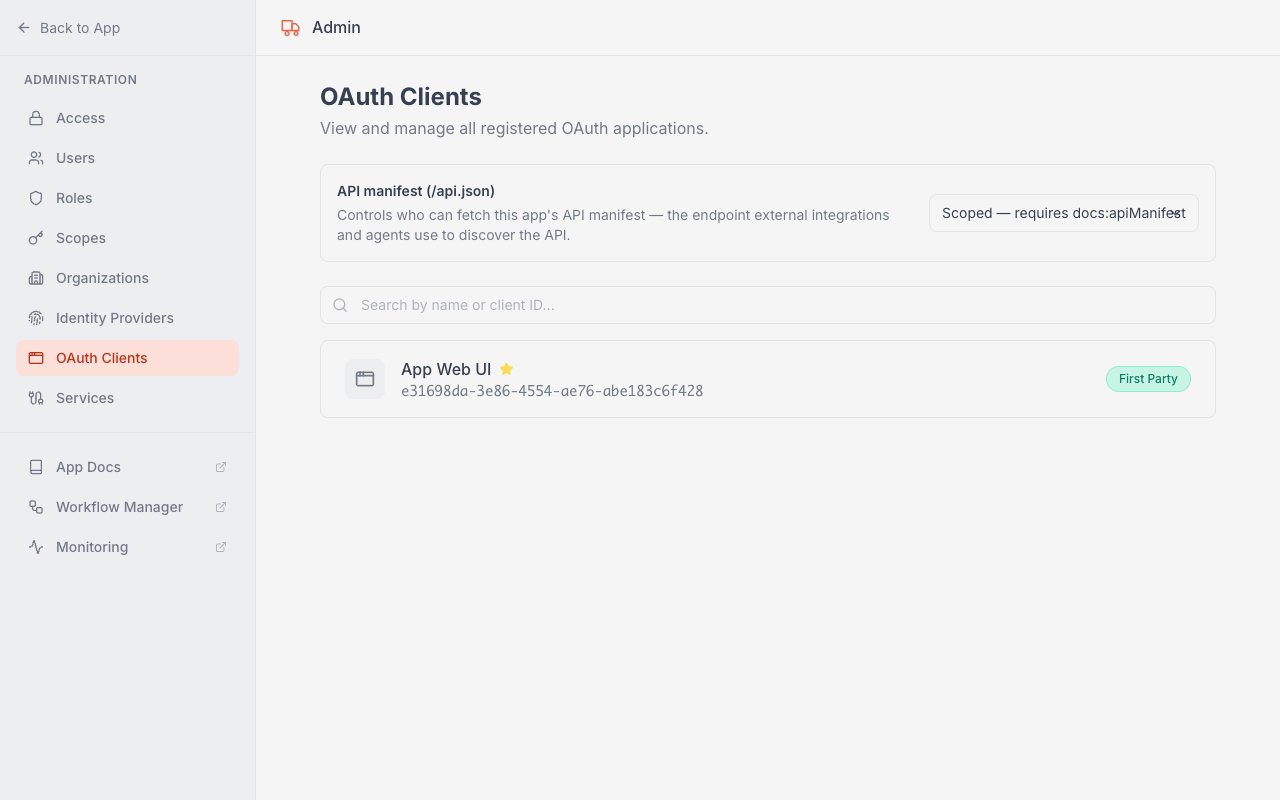
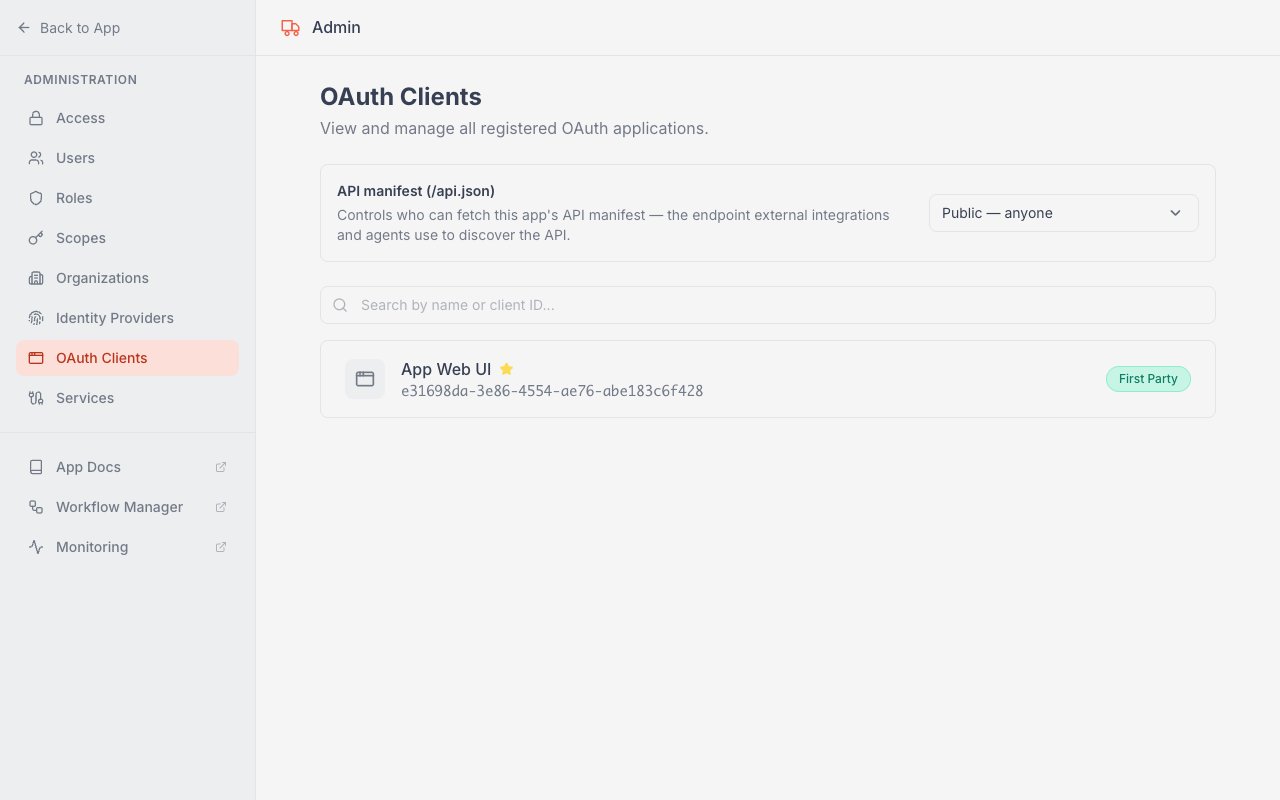
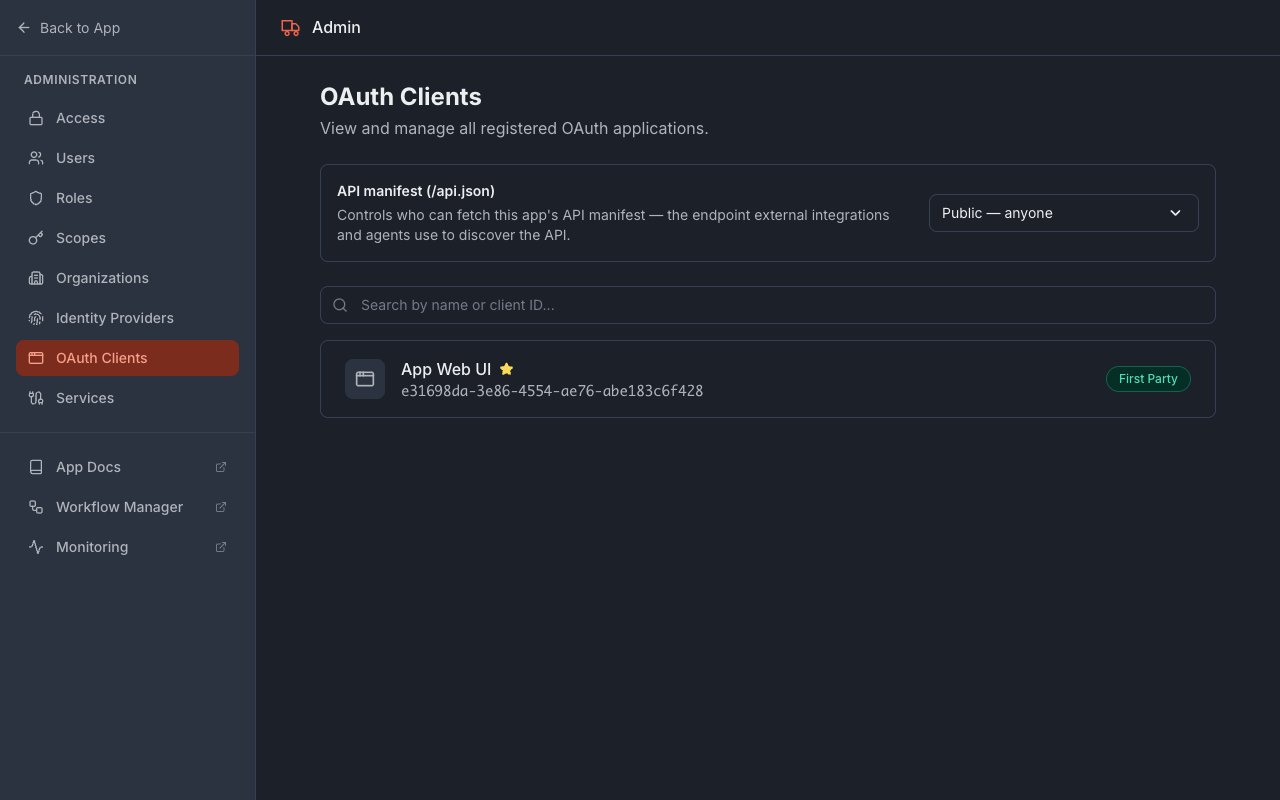
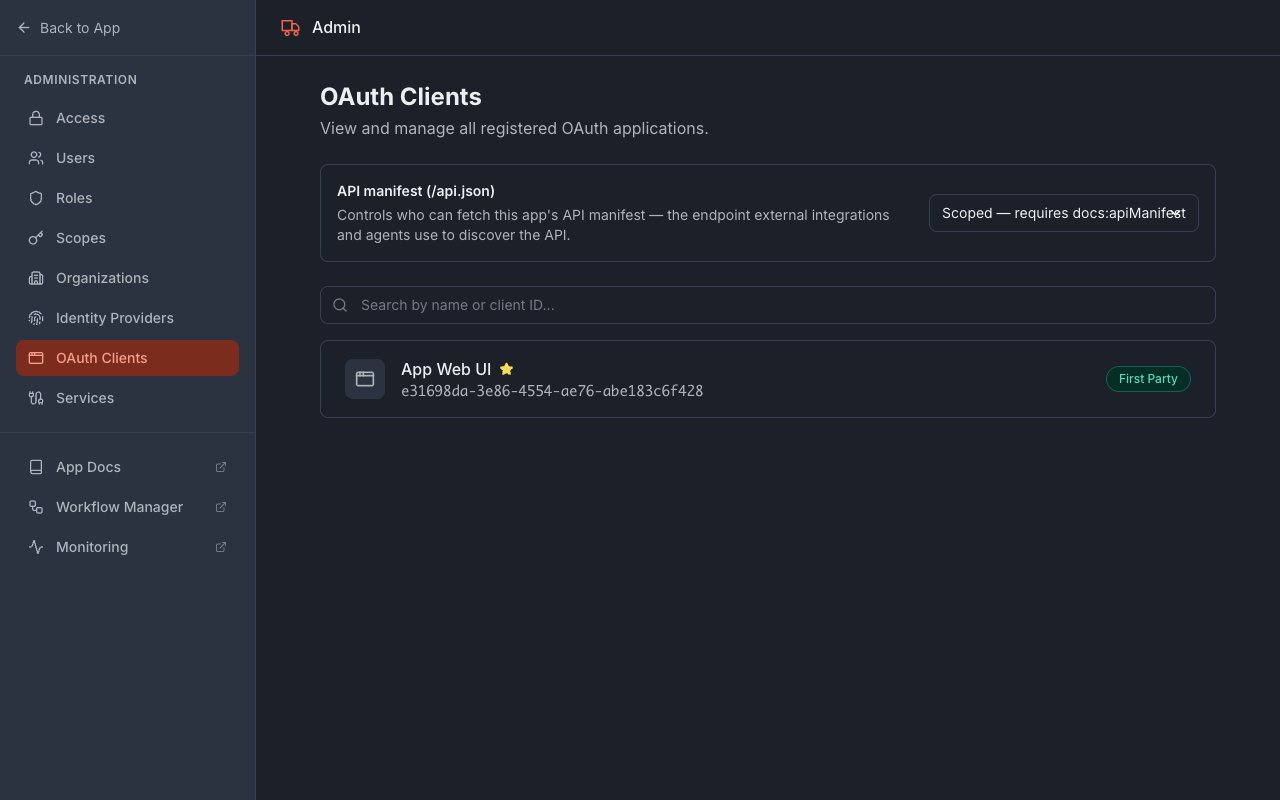 In the **API manifest (/api.json)** card, open the dropdown on the right and choose **Public — anyone**. This lets other apps and agents read your app's API without signing in.
 Your app's API has its own address — your app's domain with `api.` in front. For example, if your app is at `myapp.synthetiqapps.com`, its API lives at `myapp.api.synthetiqapps.com`, and the manifest is at `myapp.api.synthetiqapps.com/api.json`. Open that `/api.json` address in a browser to confirm you see the API manifest — a page listing the app's endpoints — then copy it.
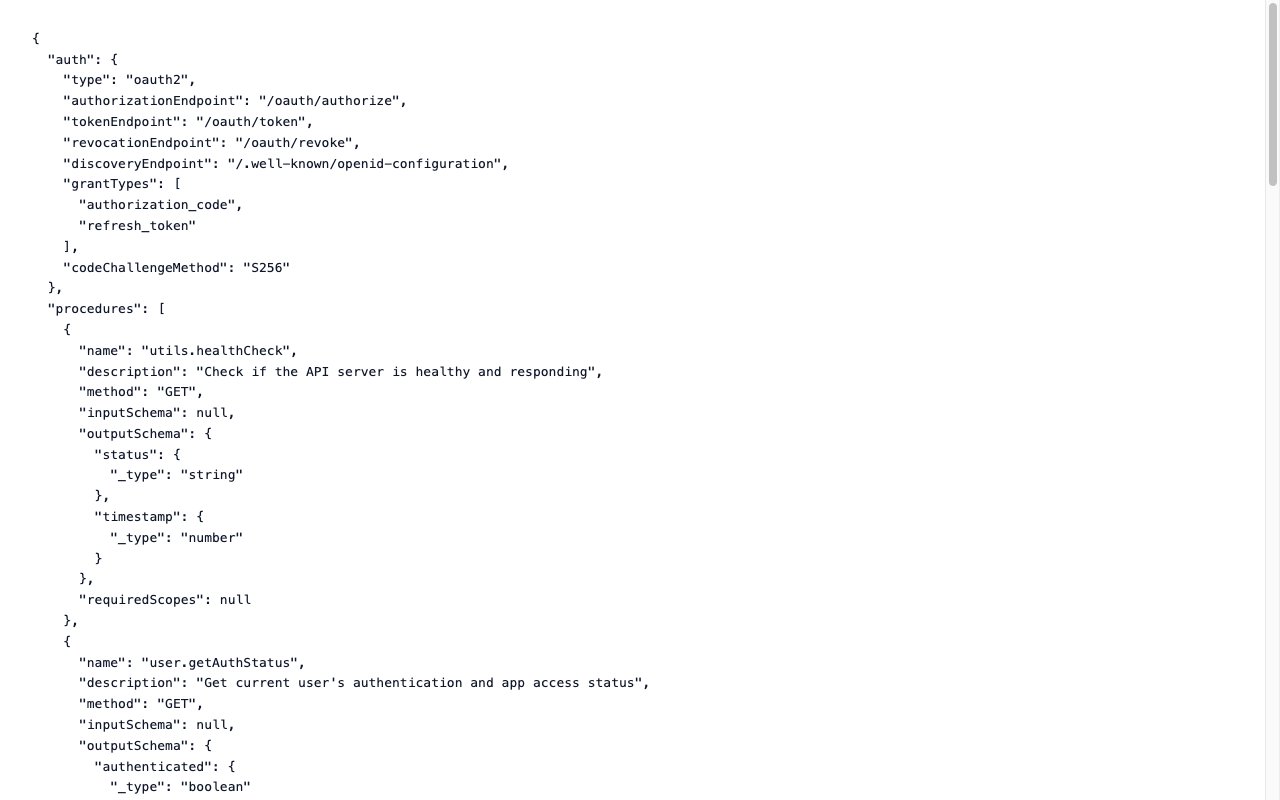 Switch to Synthetiq and open the chat. Paste the address you copied and ask the agent to create a service for it — for example, *"Create a service for the API at the URL I just copied."* The Workspace agent hands off to the **ServiceWriter** agent, which reads the manifest, builds the service, and adds it to your workspace. For the full service-building walkthrough, see [Create Your First Service with the Service Writer](/docs/quickstart/service-writer).
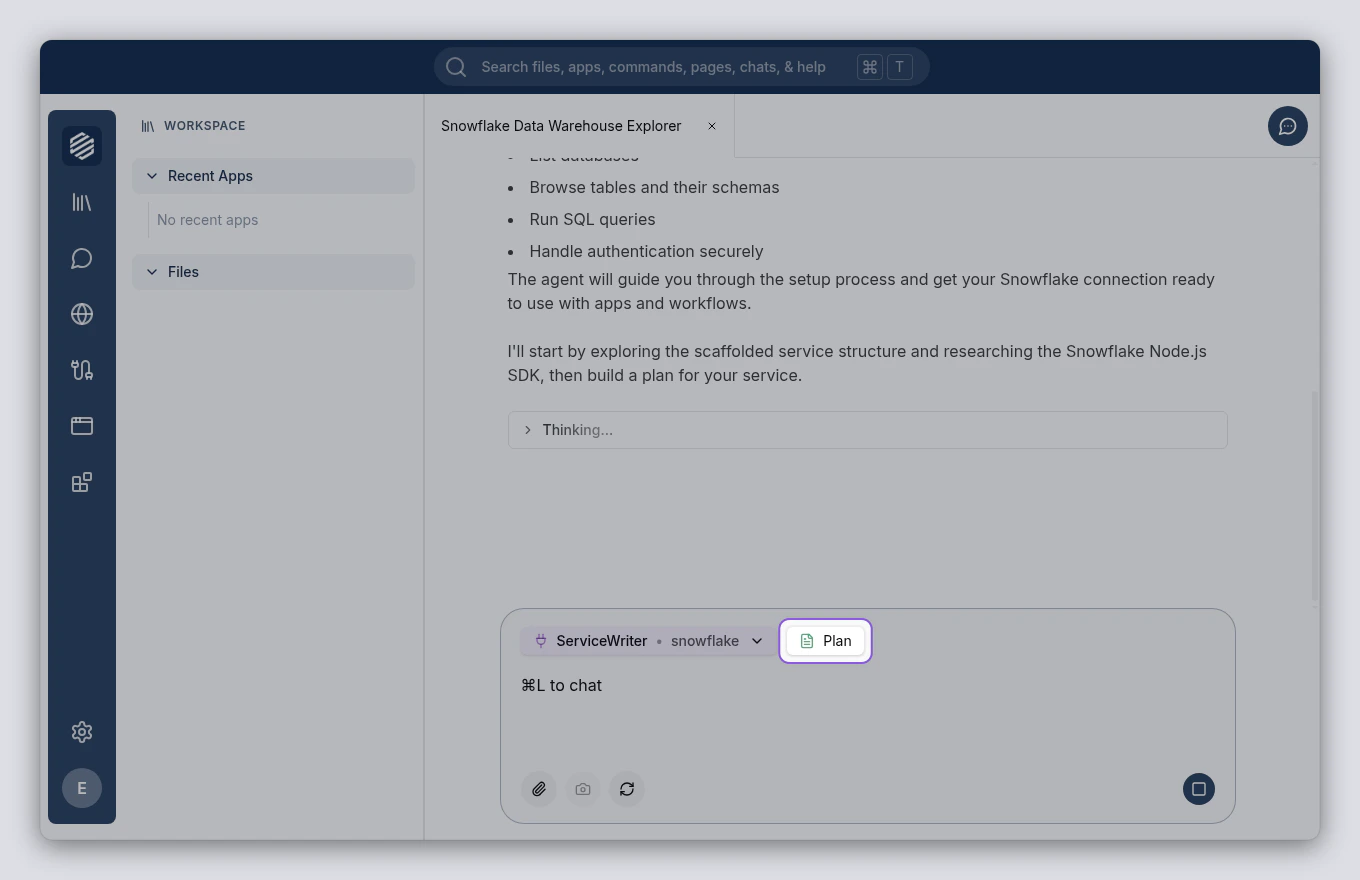
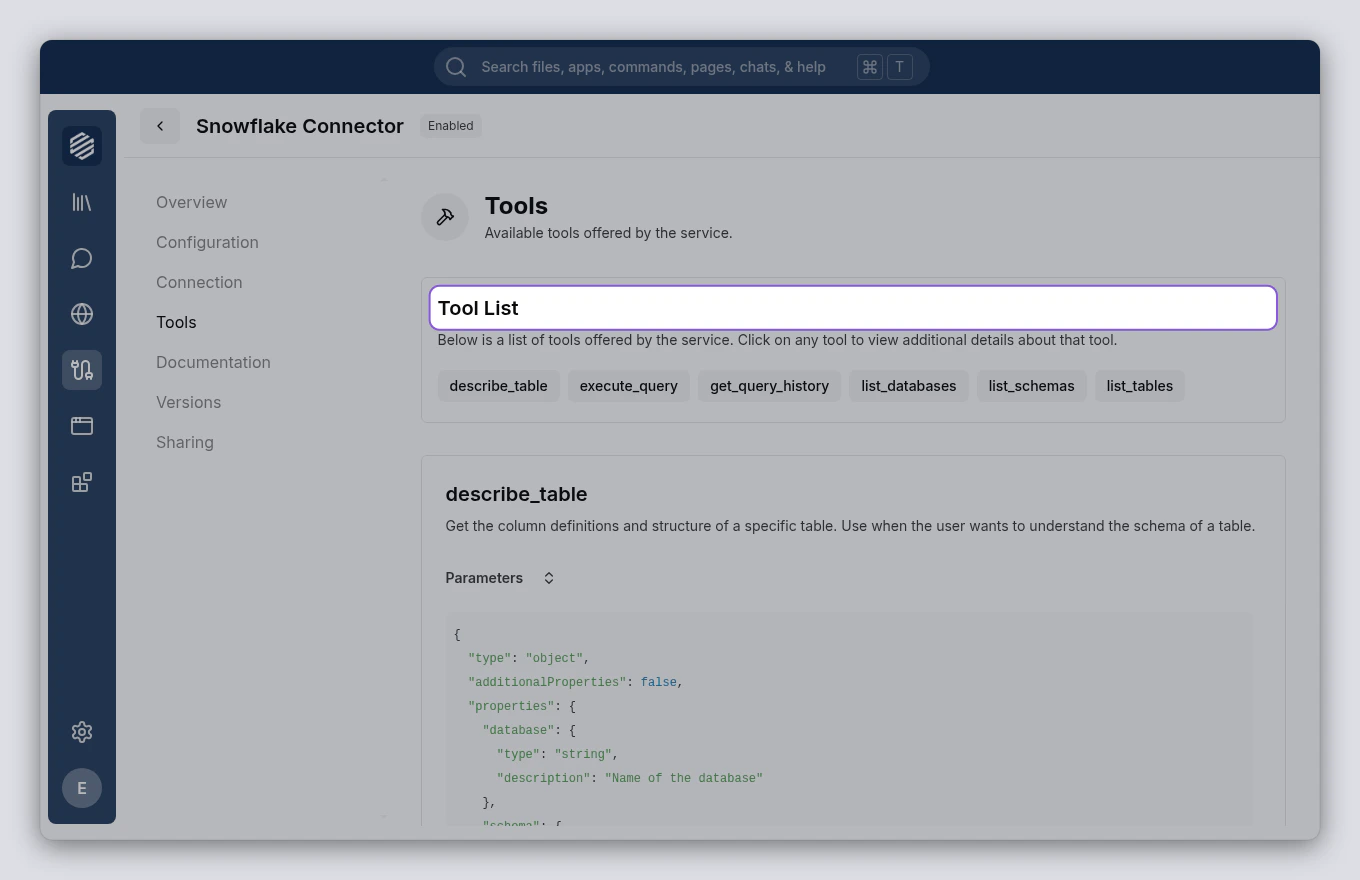
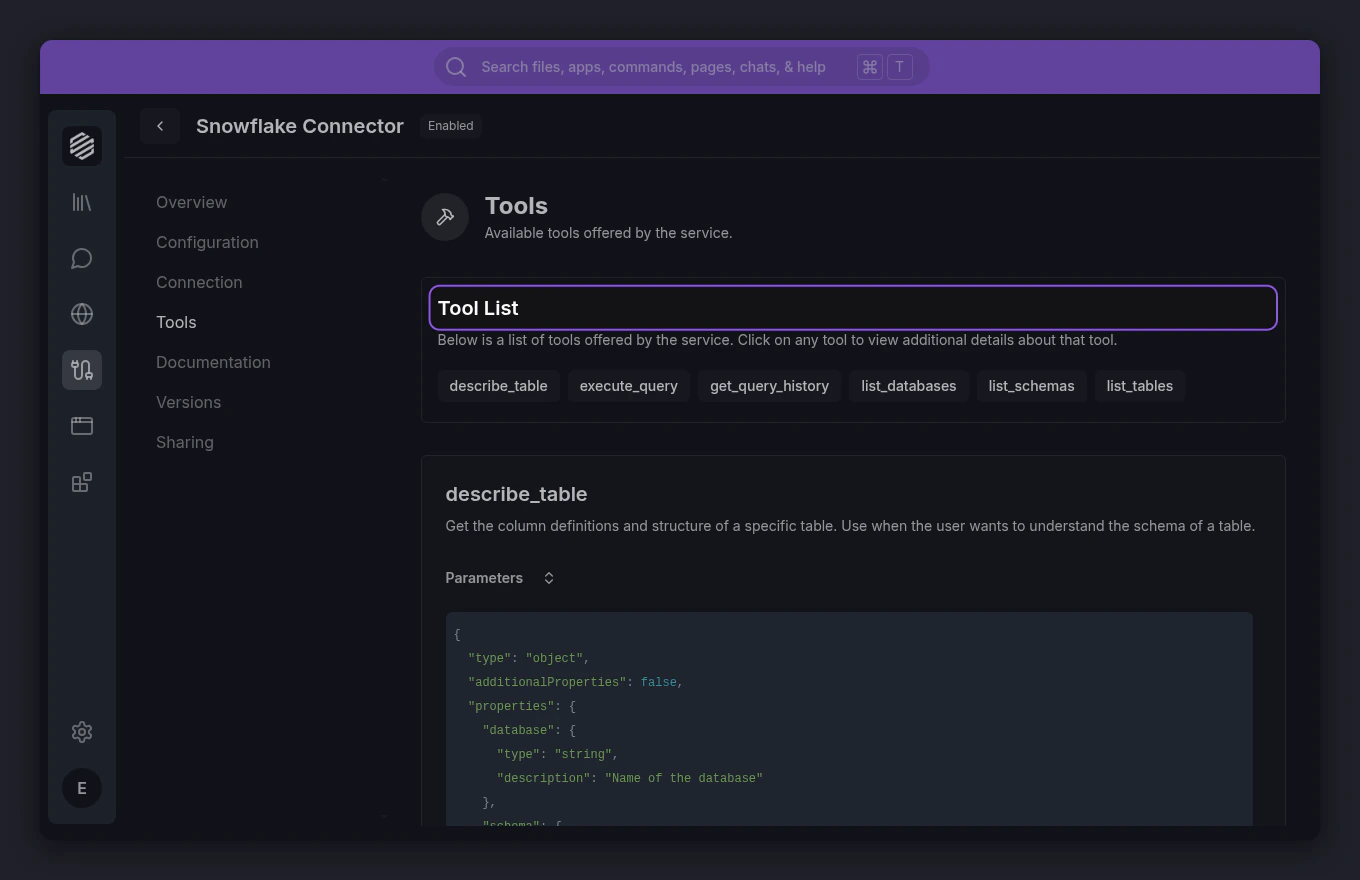
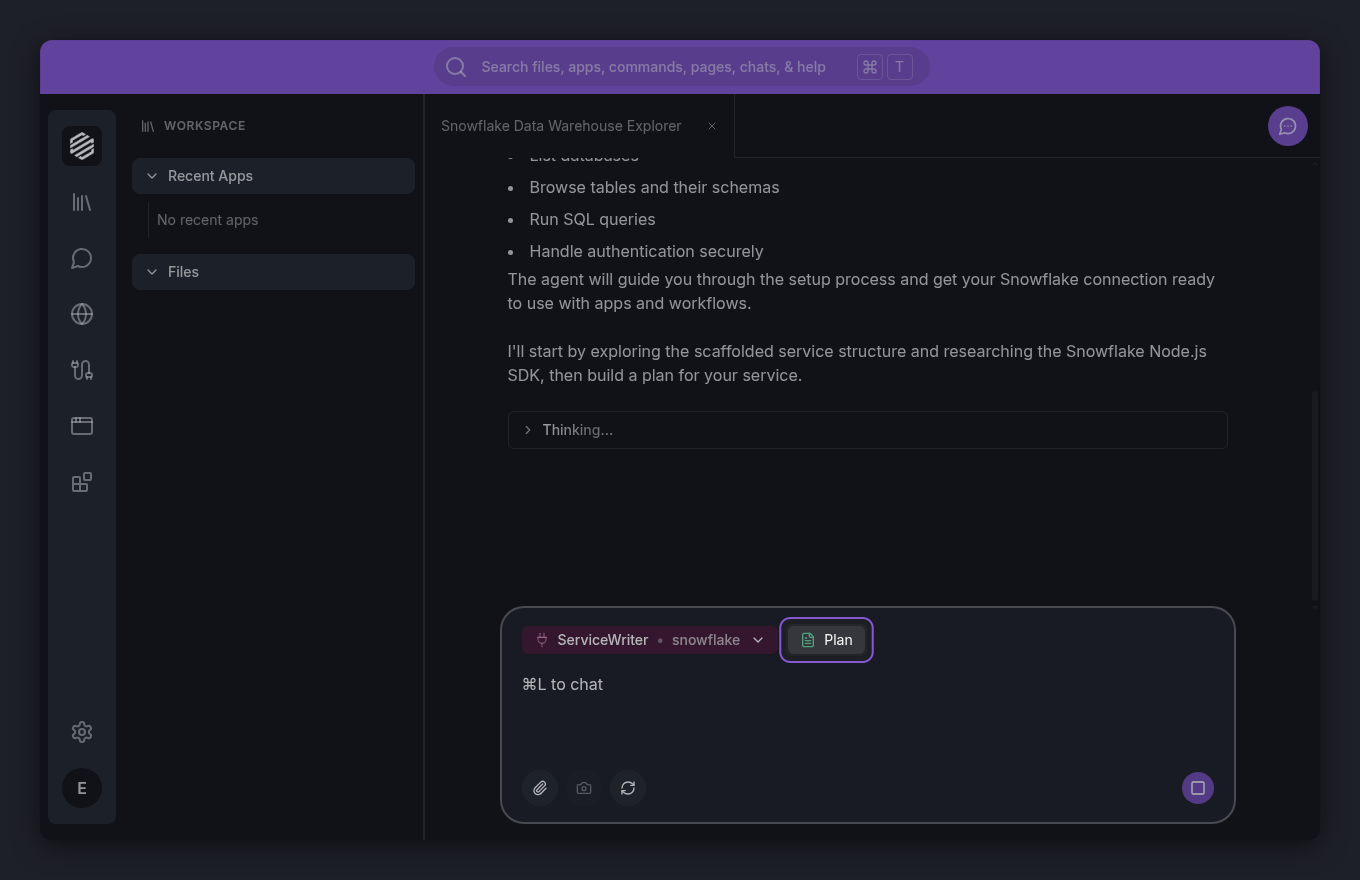 When ServiceWriter finishes, open the **Services** panel from the left menu. Your new service appears in the list. Click it to see the tools it provides — one for each action the app exposes.
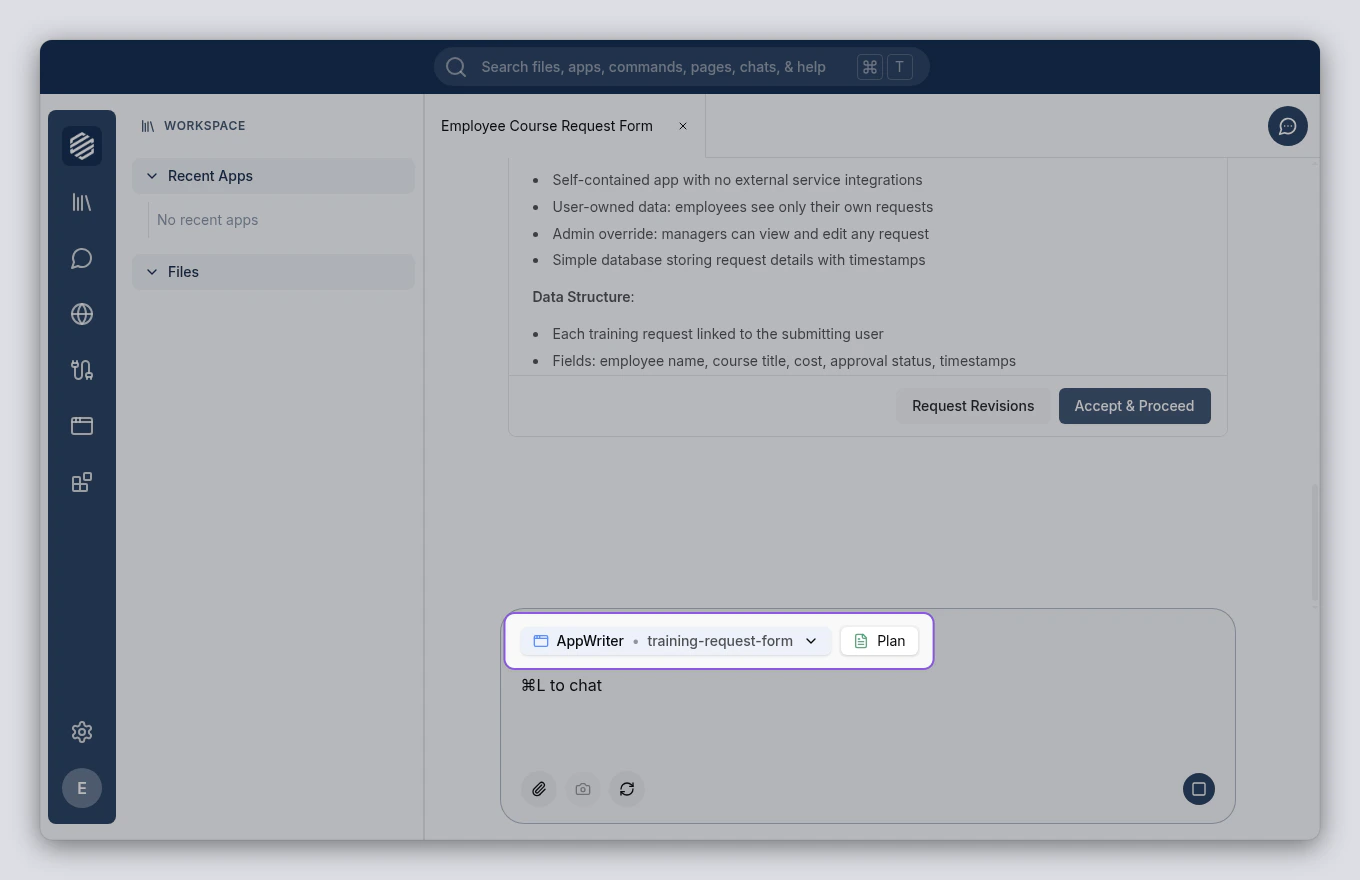
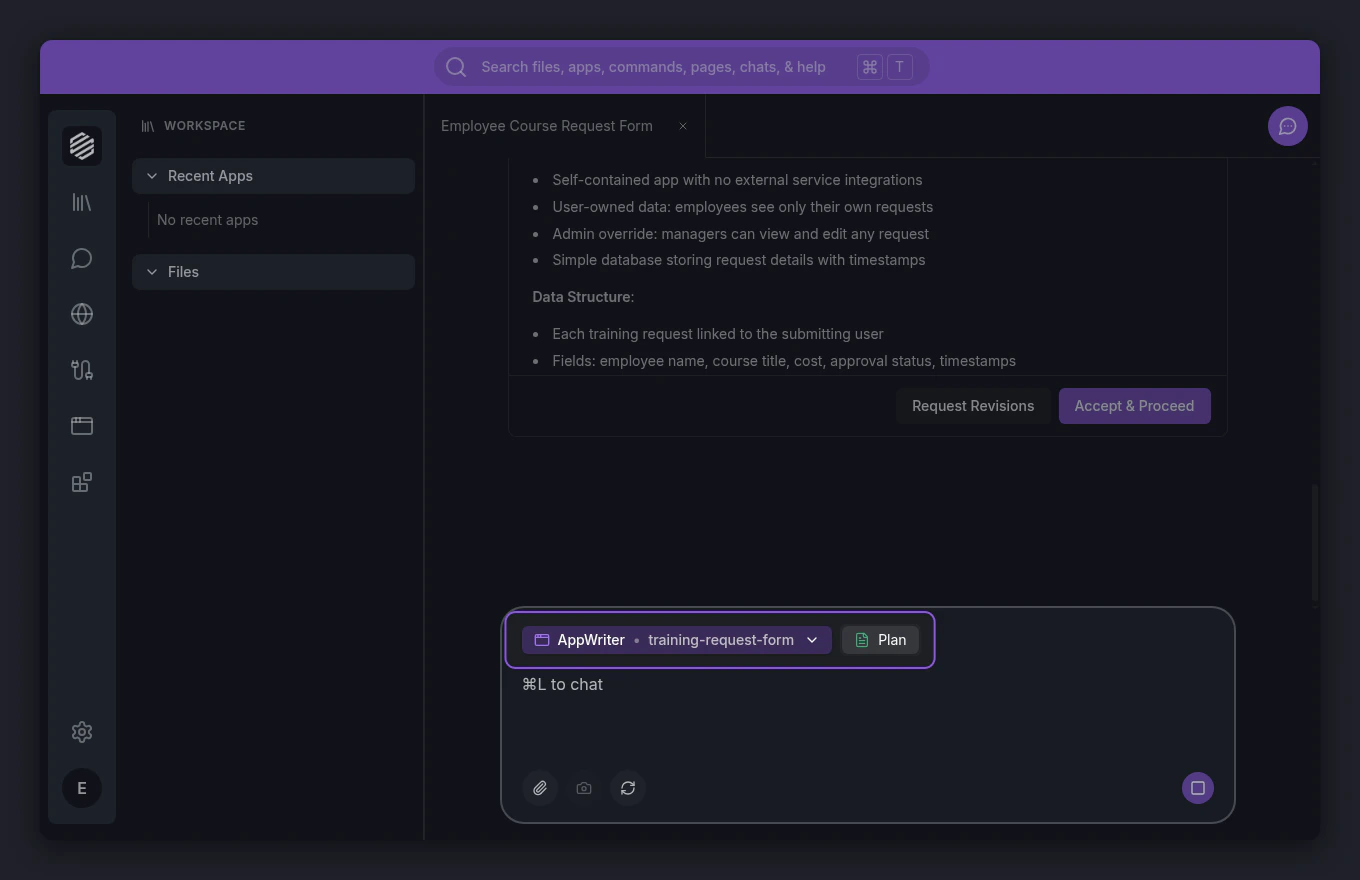
 Now build or update your second app to use the service. In the chat, ask the agent to build or change an app that uses it — for example, *"Build a Sales Forecasting app that reads deal data from the Customer 360 service."* The Workspace agent hands off to the **AppWriter** agent, which connects the service so your new app reads live data straight from the first app. For a full app build, see [Create Your First App with the App Writer](/docs/quickstart/app-writer).
 ## What's next
See how every app you build becomes a reusable service for the next one.
Build an app from a chat message — and point it at the service you just created.
## What's next
See how every app you build becomes a reusable service for the next one.
Build an app from a chat message — and point it at the service you just created.