

Structured logging
All application logging uses structured JSON. Each log entry includes:
Logs are isolated per app — each app writes to its own log stream.
Apps can also instrument custom log fields to capture application-specific data (see Custom Logging guide).
Log search
A structured log search interface is available at: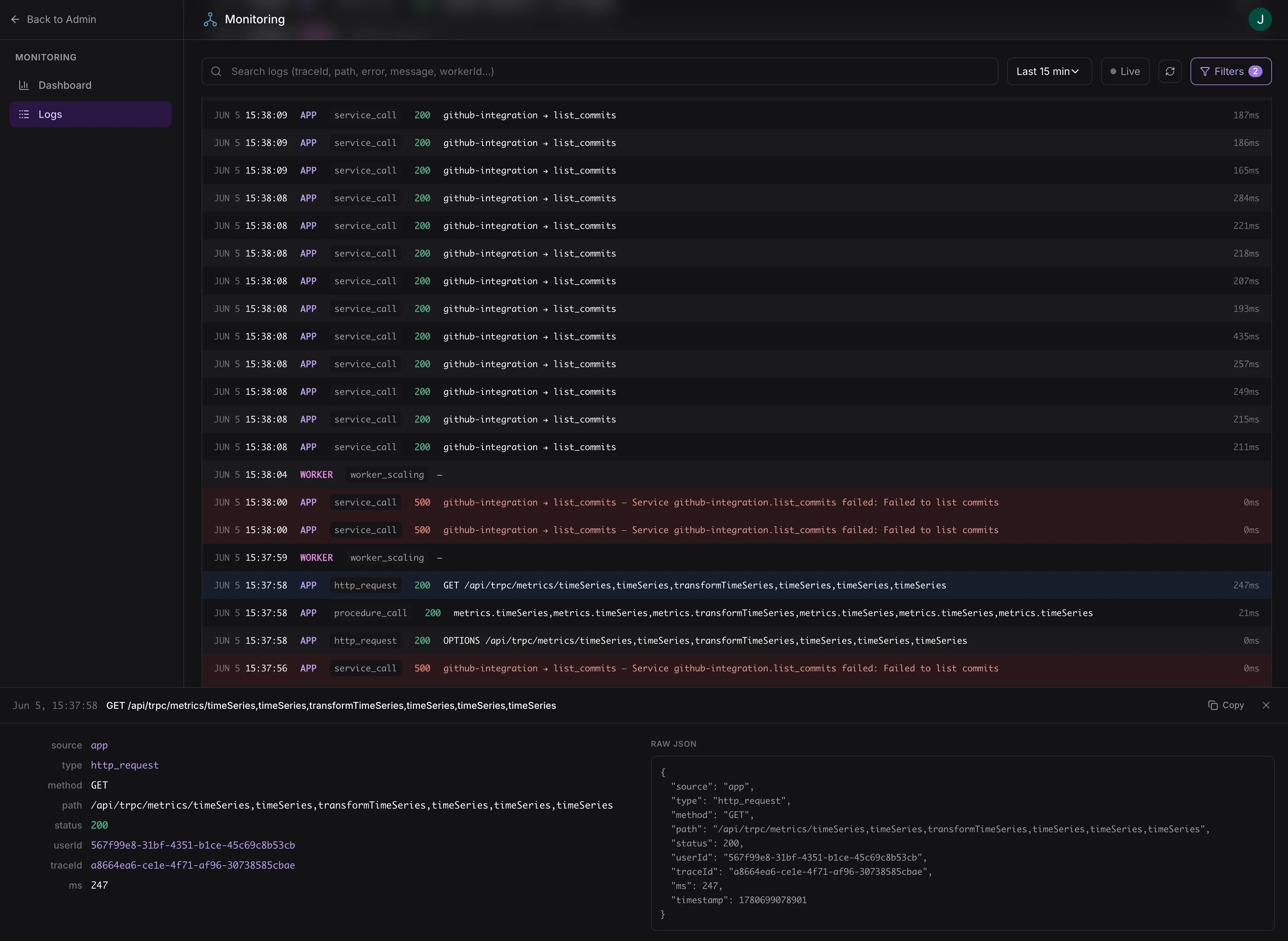
Structured log search with filtering by source, status, user, and trace ID
Access requires the
logs:view scope. Assign this scope to admin roles in your app’s access control configuration.Filter options
Logs are available in near-real-time, typically within a few seconds.