
Write a tag
A tag is a name plus a markdown definition, anything from a plain sentence to a full policy. The first line is the summary shown in lists, and an automation’s agent reads the whole definition when checking a version.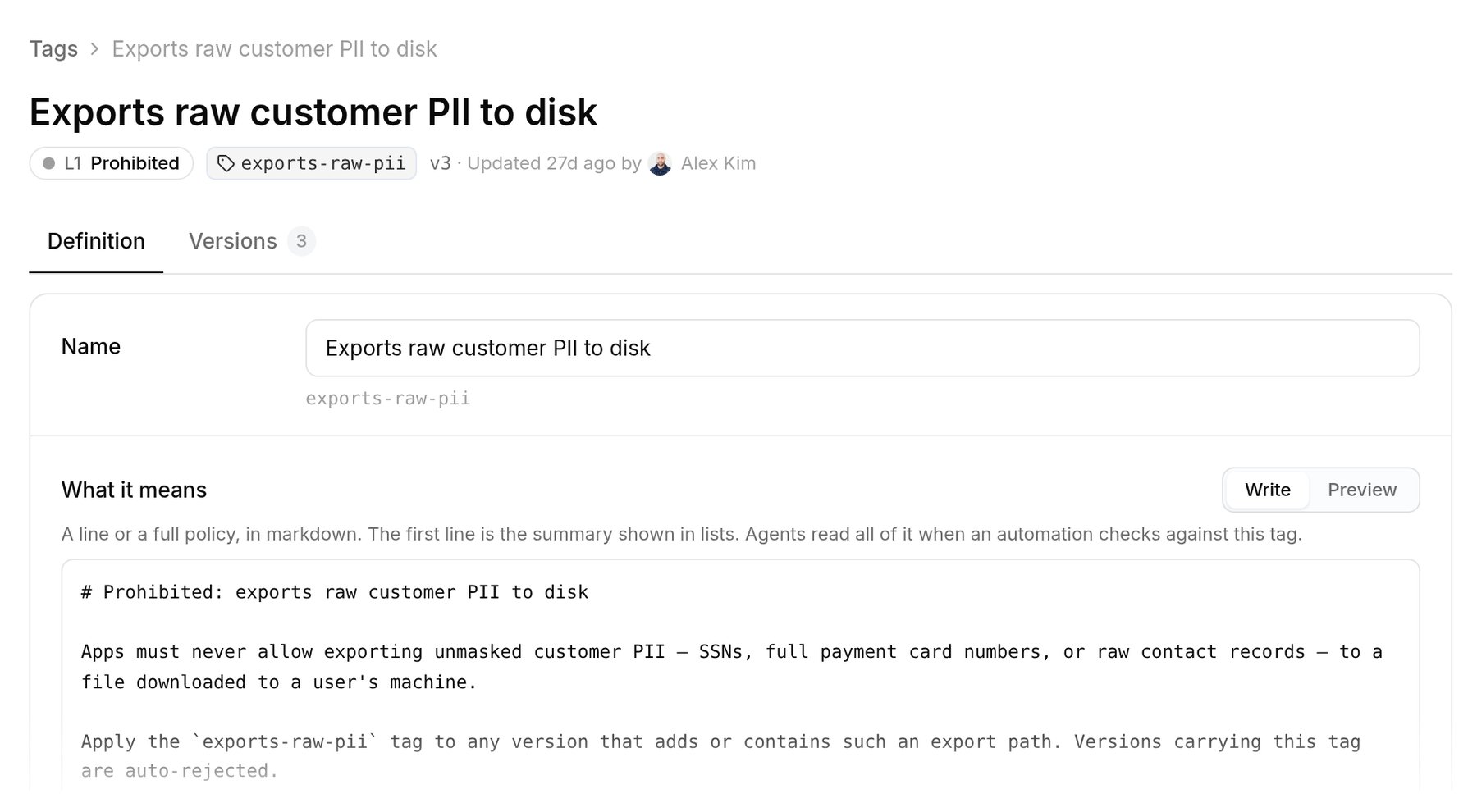
A tag's definition is a written policy. This one blocks any version that exports raw customer PII.
- Versions: each edit is a new version with a change note, and you can restore an earlier one. Tagged apps keep the tag and are checked against the new text on their next version.
- Level: the one level the tag belongs to.
- Who can apply it: any team’s or app’s automations, or only the organization’s. Tags that set a level start organization-only, so team automations can’t add or remove them.
- Tagged apps and services, and the automations that check it.