

Users
Users lists every member and their role. Search by name or email.- With
members:invite, invite someone by email and give them a role. - Open a member to see their email, role and join date. With
members:manage_rolesyou can change their role, and withmembers:removeyou can remove them after confirming. - Select several members to assign a role or remove them at once, after confirming.
Teams
Teams lists the groups that own apps and services, each with its members, what it owns, who approves for it, and its history. A level’s review can ask for a role on the owning team, so only organization admins change team membership and ownership.Roles
A role is a set of permissions, and everyone in the organization holds one. Only people who can manage roles see this tab.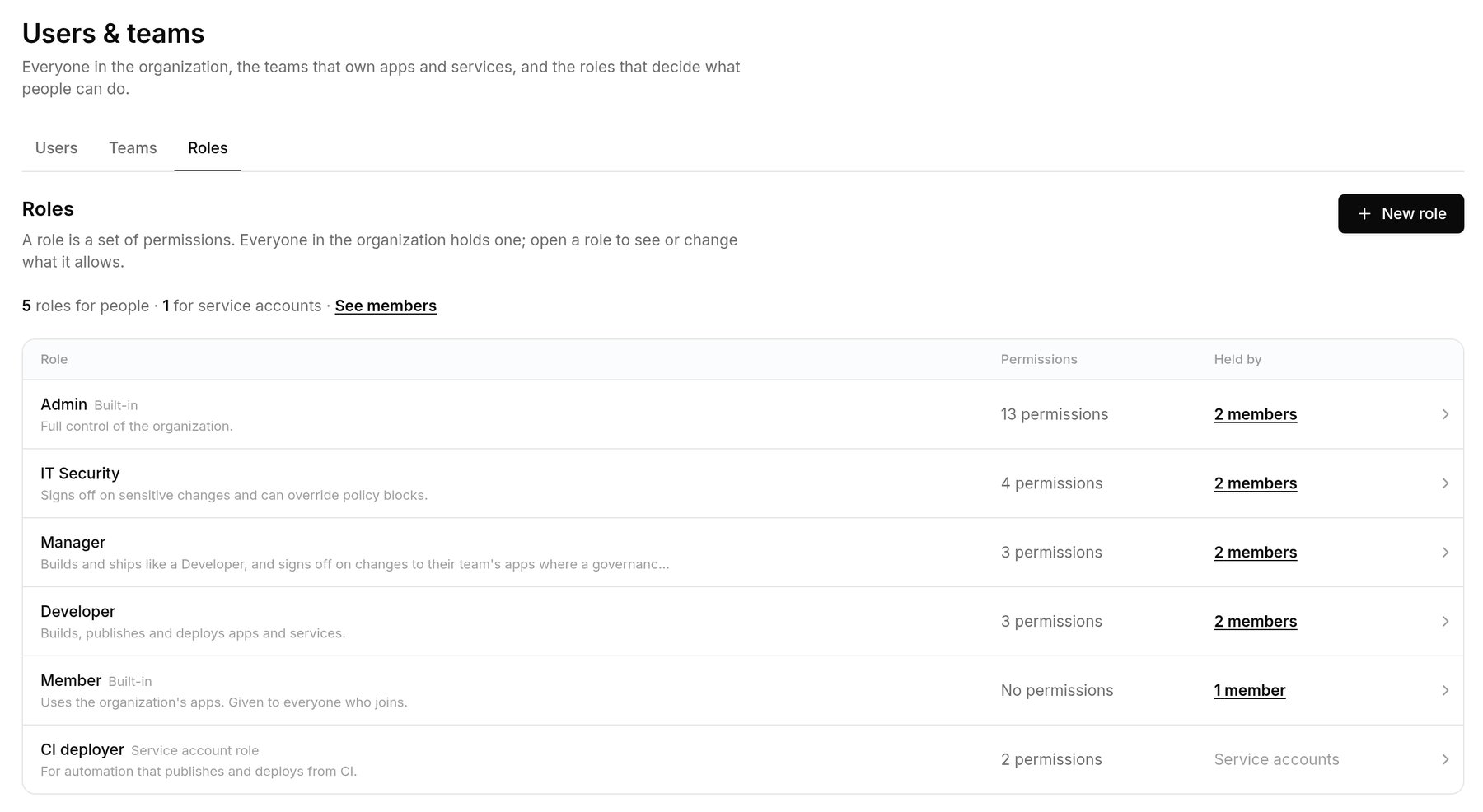
Each role, how many permissions it grants and who holds it. These roles are examples.
members:manage_roles, you can rename it, rewrite its description, add or remove permissions, or create a new role. API: Members and roles.