

Managing identity providers
Admins configure identity providers at/admin/identity-providers.

Identity providers list with provider status and configuration
Access requires admin-level scopes.
Adding a provider
To add a new identity provider, provide the following OIDC configuration:
The framework handles the full OIDC flow — discovery, authorization, token exchange, and user profile mapping.
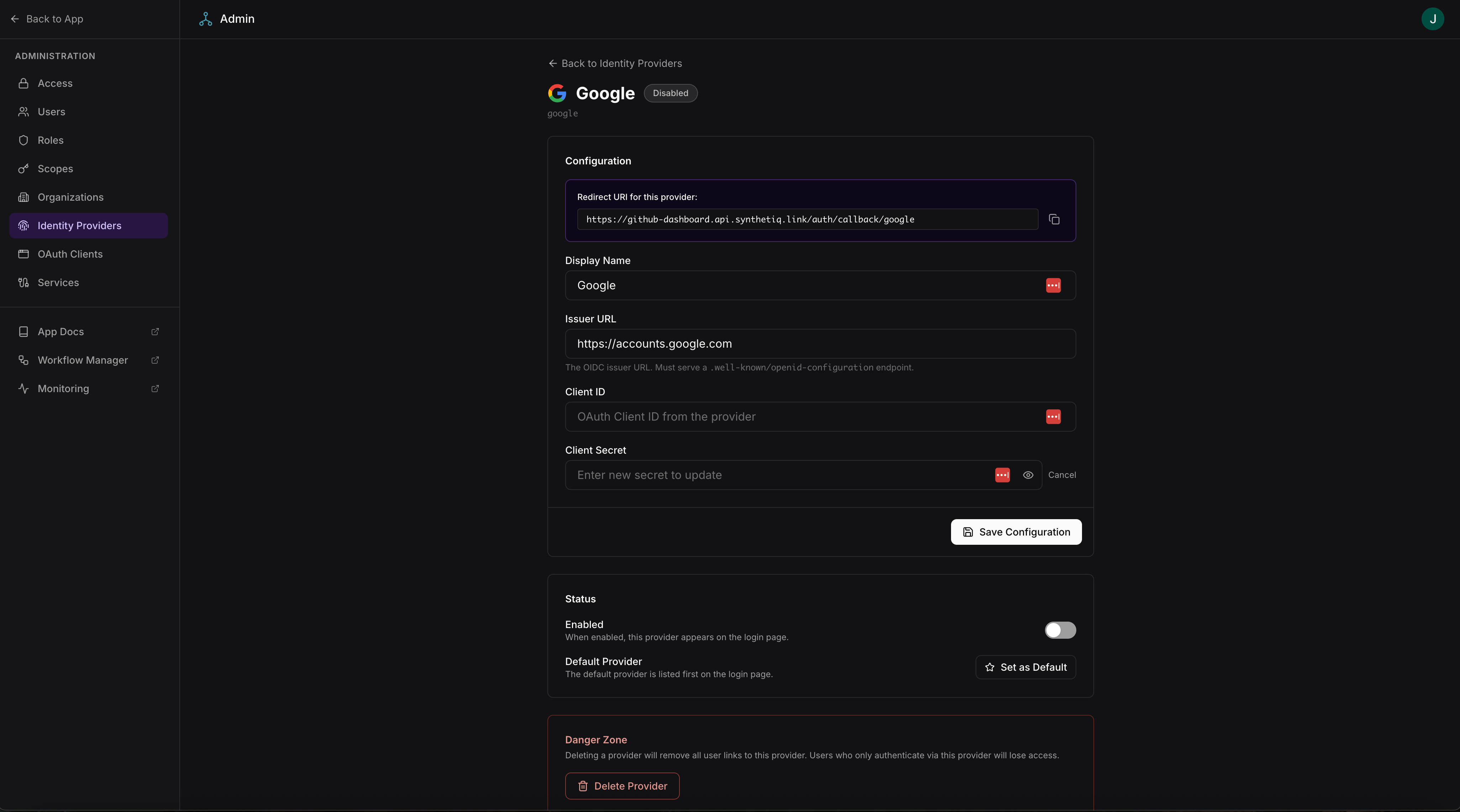
Adding an OIDC identity provider
Supported providers
How login works with multiple providers
When multiple identity providers are configured, the login page displays a button for each provider. Users choose which provider to authenticate with. The framework:- Redirects the user to the provider’s authorization endpoint
- Handles the callback and token exchange
- Maps the provider’s user profile to the app’s
Usertable - Issues a session JWT for subsequent requests