

Organizations list
The organizations page at/admin/organizations lists all organizations in the app.
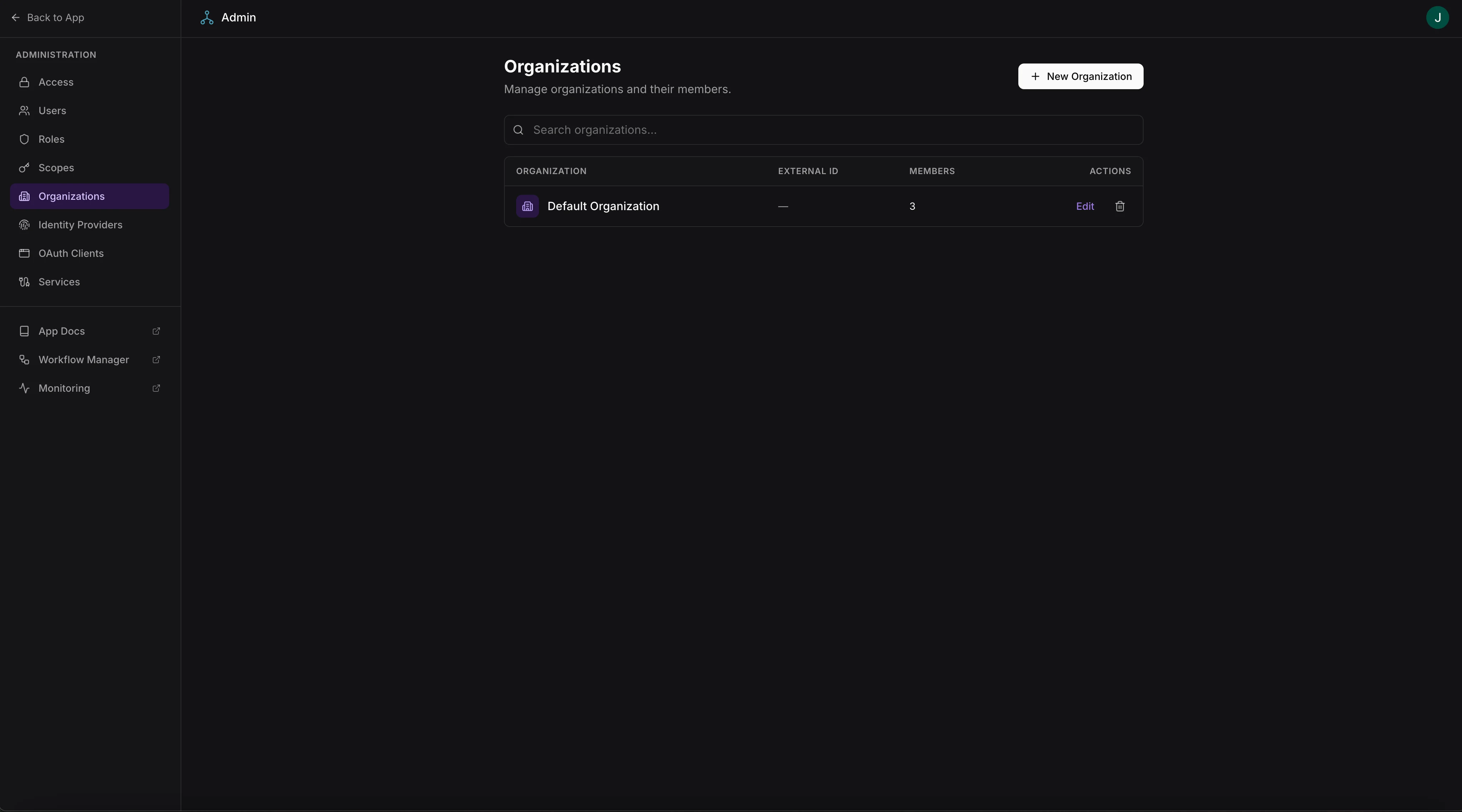
Organizations list with member counts
Access requires admin-level scopes.
Managing members
Click an organization to manage its members at/admin/organizations/:id:
- View all members of the organization
- Add existing users to the organization
- Remove members from the organization
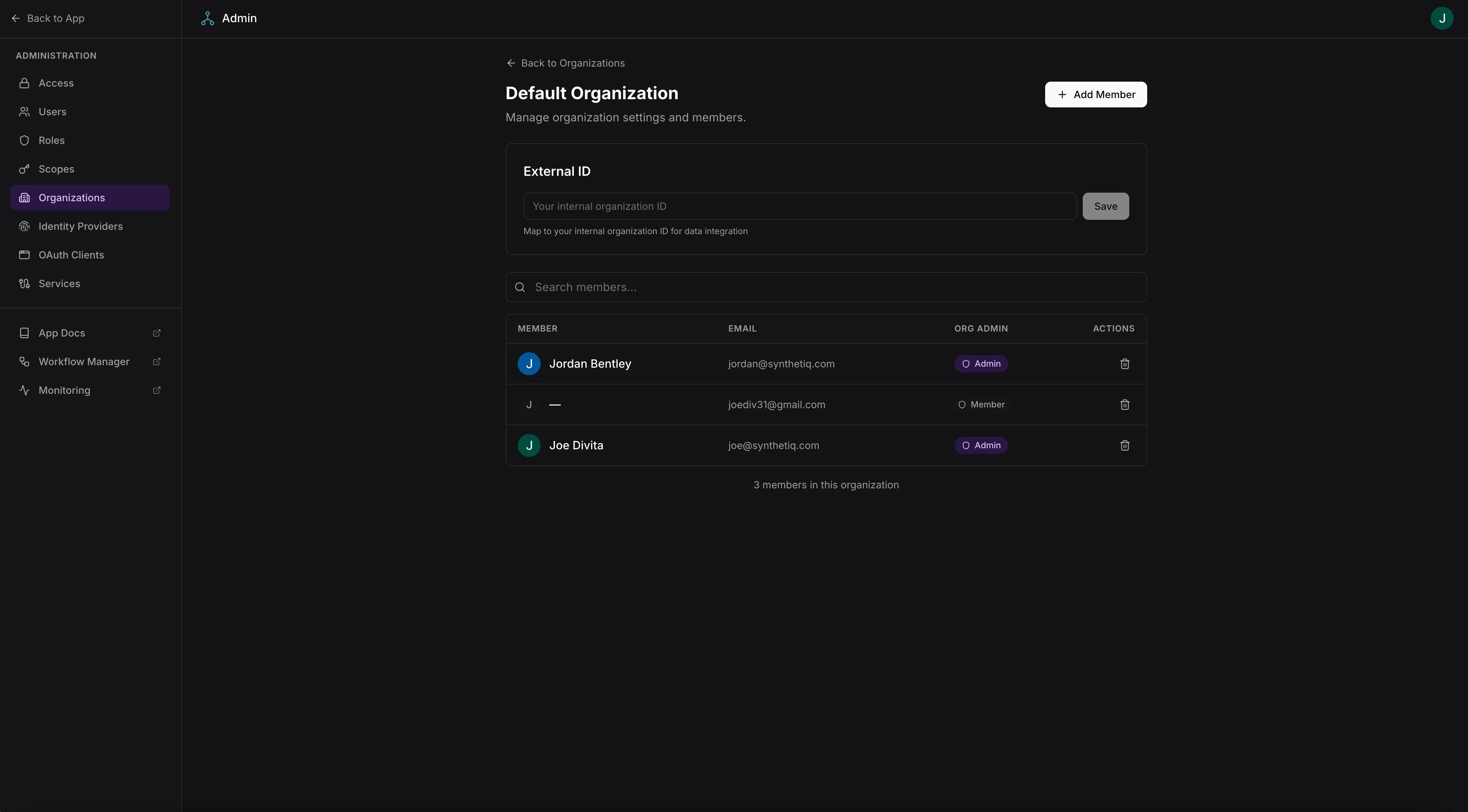
Organization member management
Organization switcher
Users who belong to multiple organizations can switch between them using the organization switcher in theUserMenu component. The selected organization is available as currentOrgId in useAuth() on the frontend and as ctx.orgId on the server.
When a user switches organizations:
- Frontend state updates via
useAuth()to reflect the newcurrentOrgId - Subsequent server requests include the selected organization context
- RLS policies that use
orgColumninscopes.jsonautomatically scope data to the selected organization
Data isolation
To scope data access by organization, configure anorgColumn in the tables section of scopes.json: