

Admin service configuration
Admins configure service credentials at/admin/services. This page lists all services declared in the app’s scopes.json and shows their connection status.
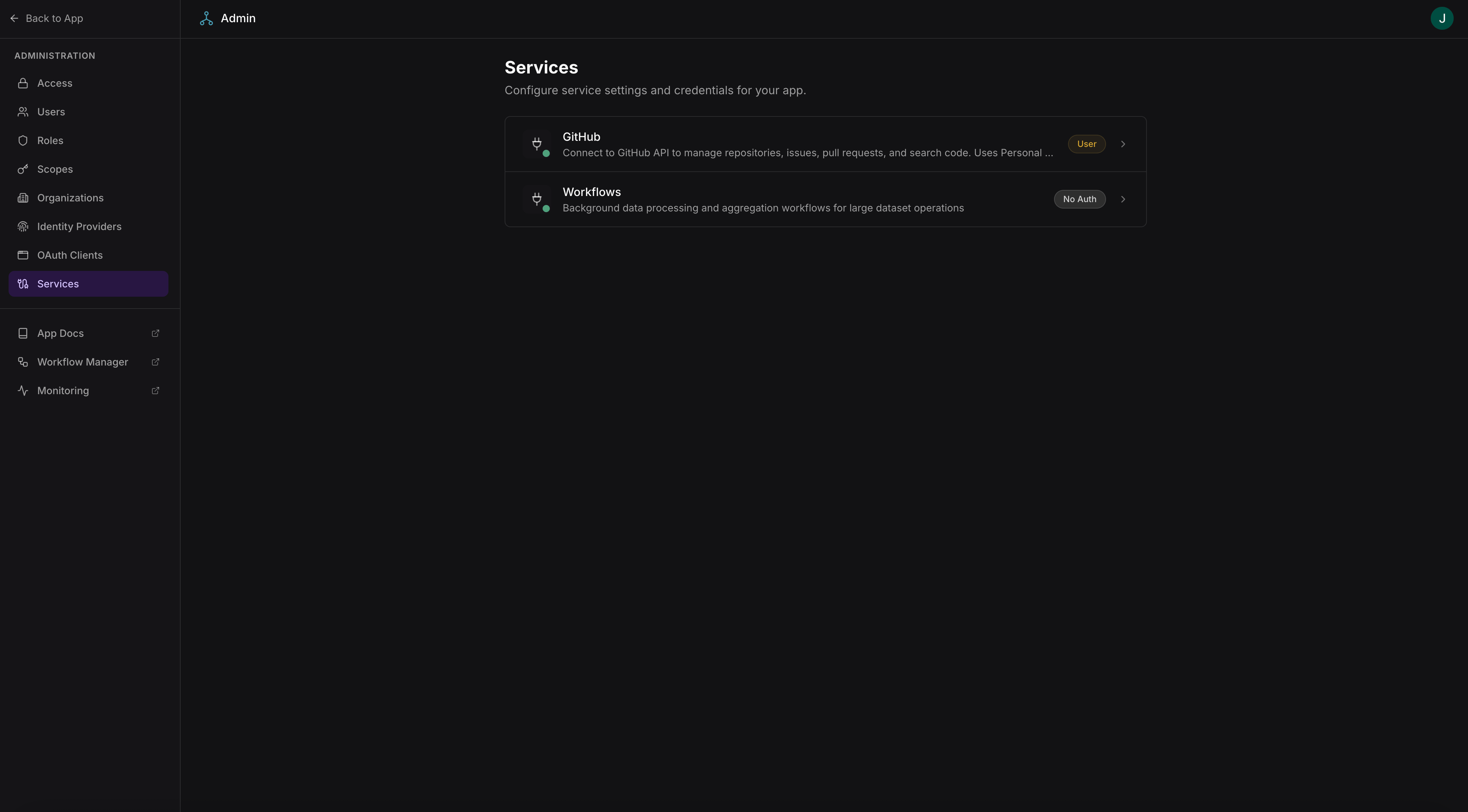
Service list with connection status and configuration
Access requires admin-level scopes.
Configuring a service
Click a service to configure it at/admin/services/:id. The configuration depends on the service’s auth type:
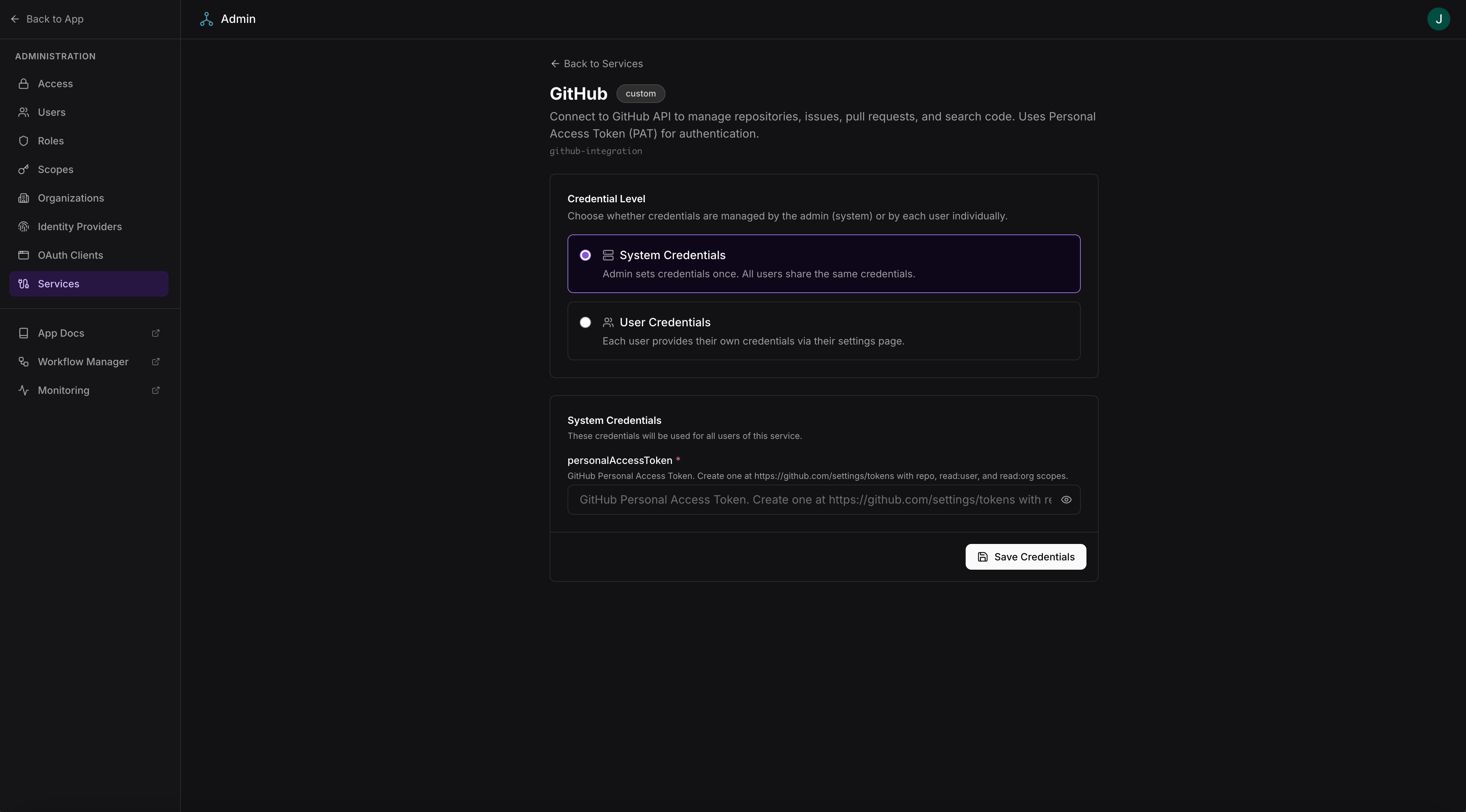
Service configuration with OAuth credentials and admin settings
SERVICE_CONFIGURATION_OPTIONS — see Service configuration for how services define these options.
User service connections
For services that use per-user credentials (OAuth2 services where each user connects their own account), users connect their accounts through the app’s connection panel.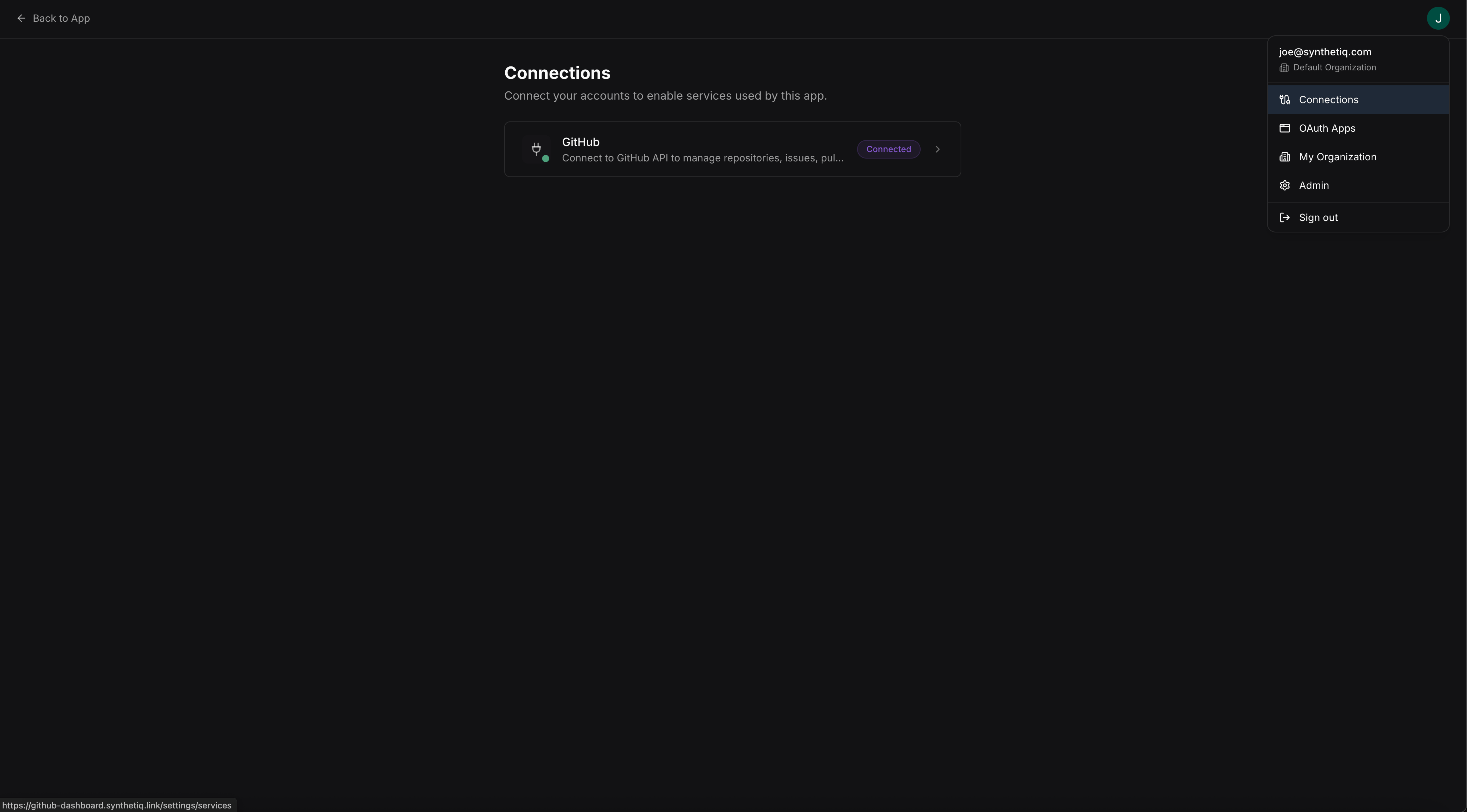
User service connection panel
Credential models
Either model can be used with any auth type — OAuth2 services can be configured at the admin level or per-user, and API key services can be shared or user-provided.
App code does not need to know which model is in use. The service client resolves the correct credentials automatically based on the authenticated user’s context.
See Services Framework for how services are defined, and Using a service for how apps consume them.