

Documentation Index

Fetch the complete documentation index at: https://synthetiq.com/docs/llms.txt

Use this file to discover all available pages before exploring further.

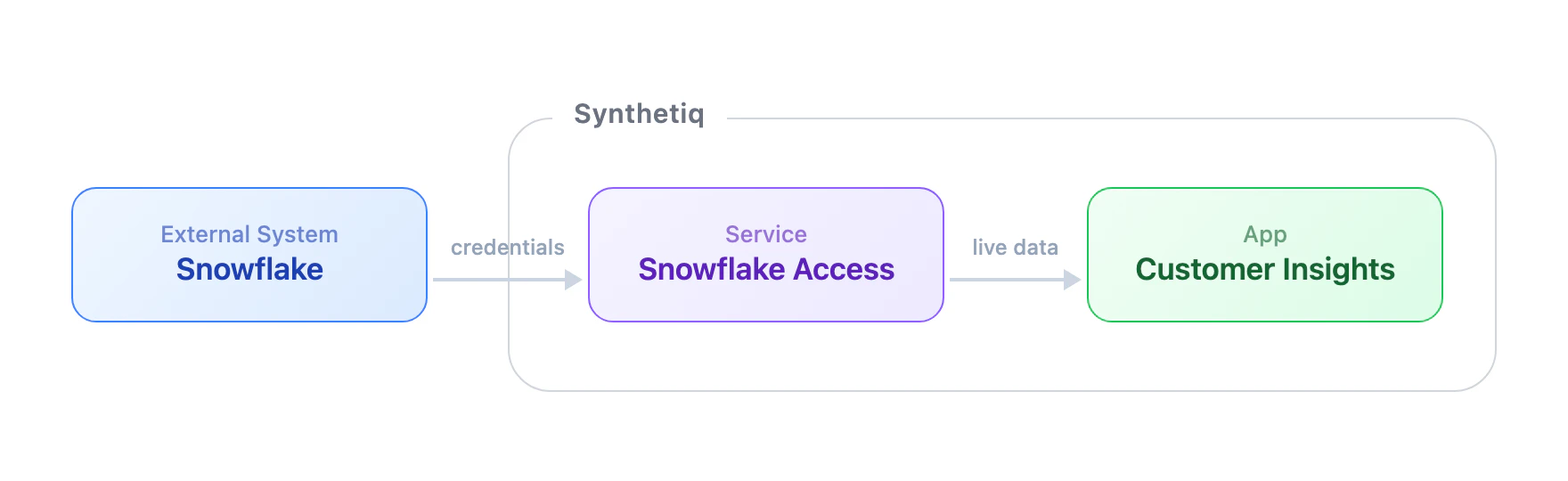
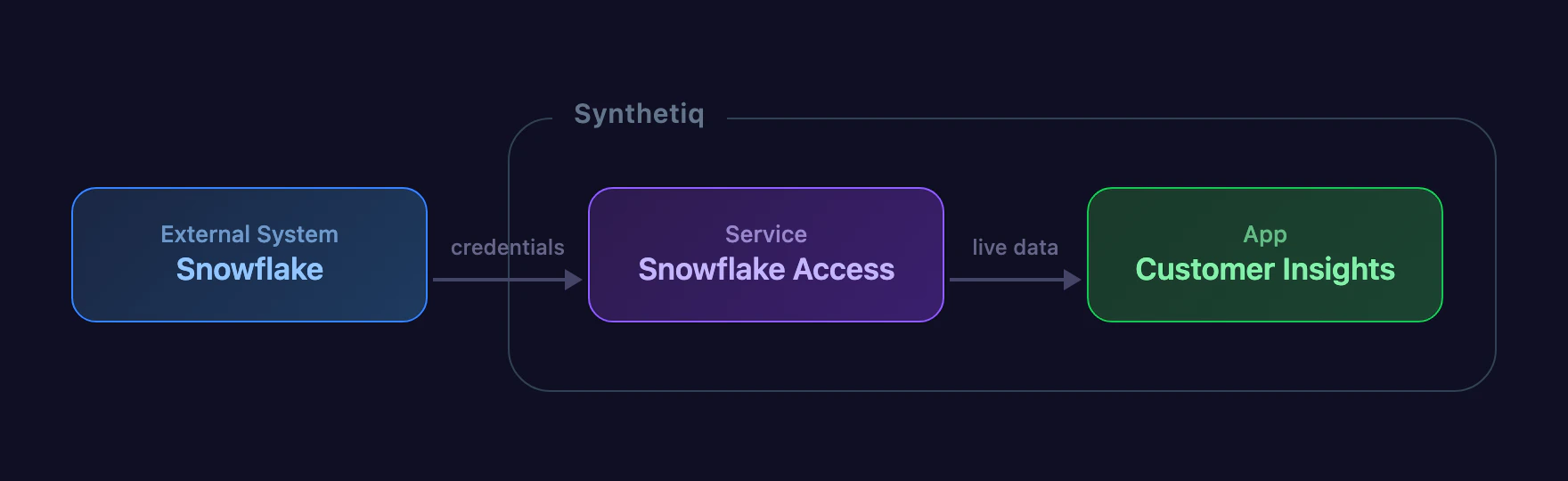
Everything you build in Synthetiq starts with two building blocks: services and apps. Data flows from an external system like Snowflake, through a service that exposes tools, into an app like Customer Insights

Services connect your data

A service is a connection to an external system — a database, a CRM, an API. When you create a service, Synthetiq generates a set of tools that let the workspace agent (and any apps you build) interact with that system. Services don’t have a user interface. They’re the data layer that powers everything else. Example: A Snowflake service gives your workspace tools like list_databases, execute_query, and describe_table — available in chat and in any app that needs Snowflake data.

Apps are what people use

An app is a full web application — pages, database, authentication, and API — built by the AppWriter agent from a description you provide in chat. Apps are interactive. You open them, click around, and get work done. They can pull data from your connected services, so the information stays live. Example: A sales dashboard that queries your Snowflake service for revenue trends and displays them in charts and tables.

At a glance

ServiceApp
What it isA connection to an external systemA full web application
Has a UINoYes — pages, forms, dashboards
Has a databaseNo — reads from the external systemYes — its own isolated database
AuthenticationCredentials for the external systemBuilt-in user auth and roles
Created byService WriterApp Writer
Available in chatYes — tools appear automaticallyYes — through its API
Can be sharedYes — via the Discover storeYes — via the Discover store
ExampleSnowflake connector, Salesforce CRMSales dashboard, contact manager